


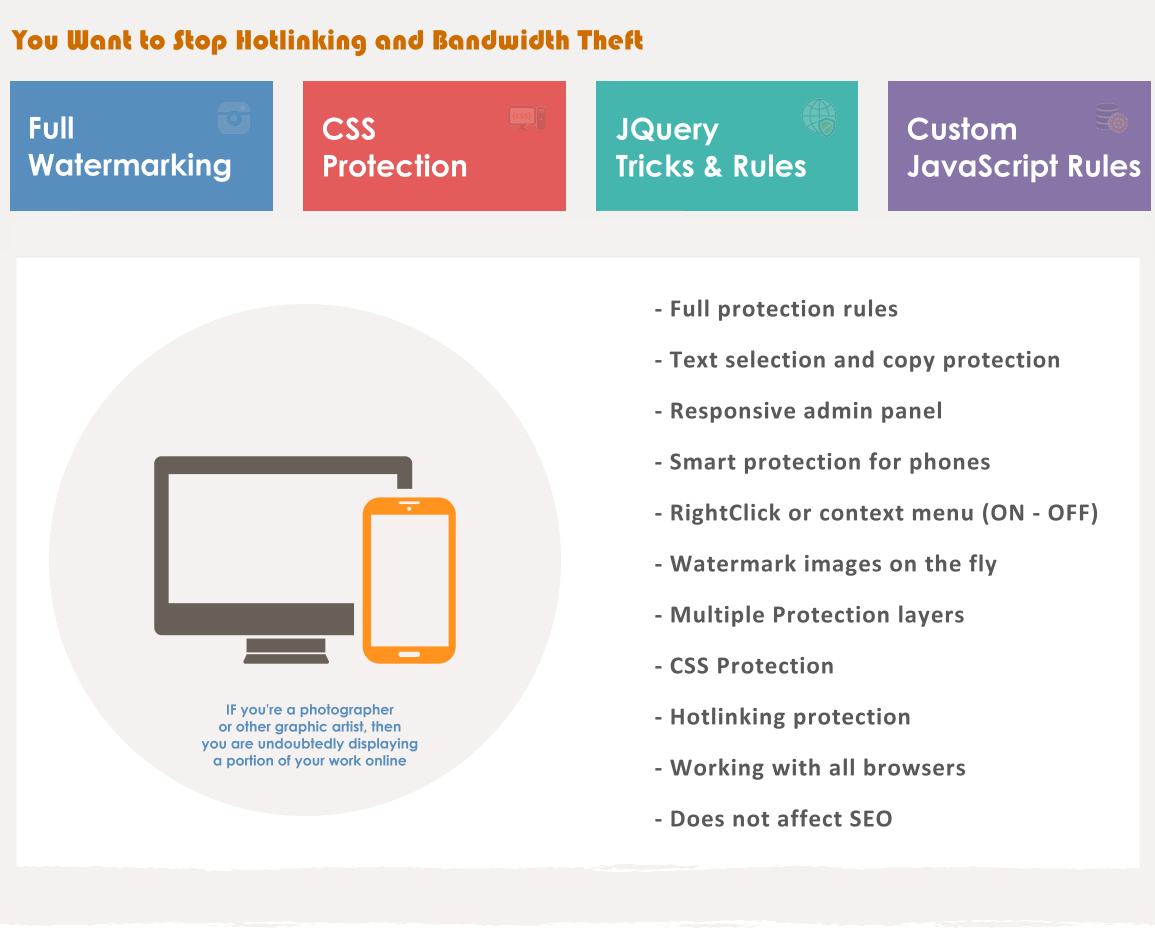
Protect your Text and Images by Disabling the Mouse Right Click and possible shortcut keys from Cut (CTRL+x), Copy (CTRL+c), Paste (CTRL+v), Select All(CTRL+a), View Source (CTRL+u), etc.
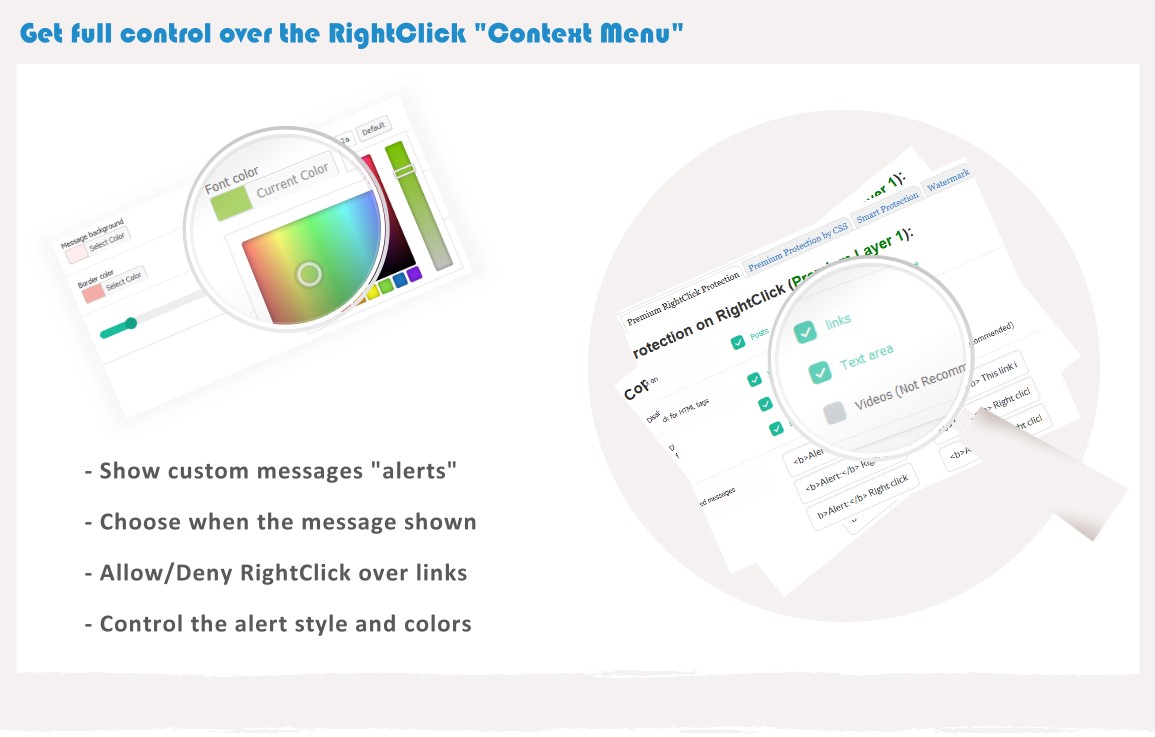
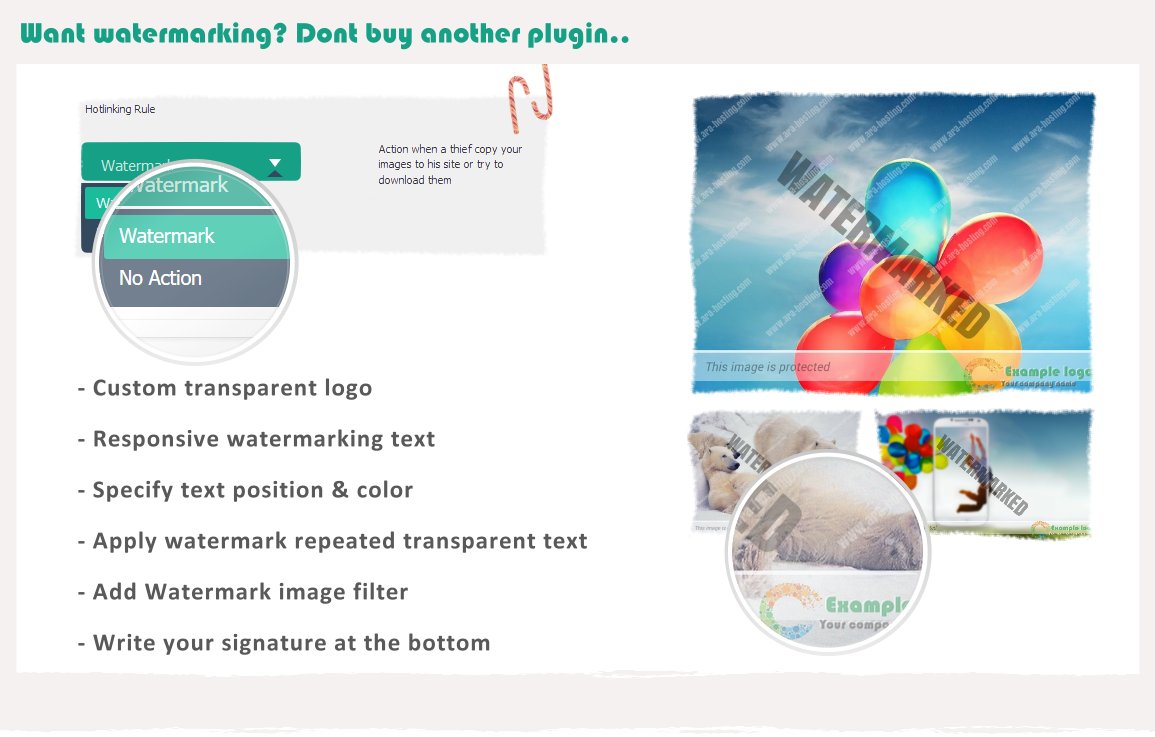
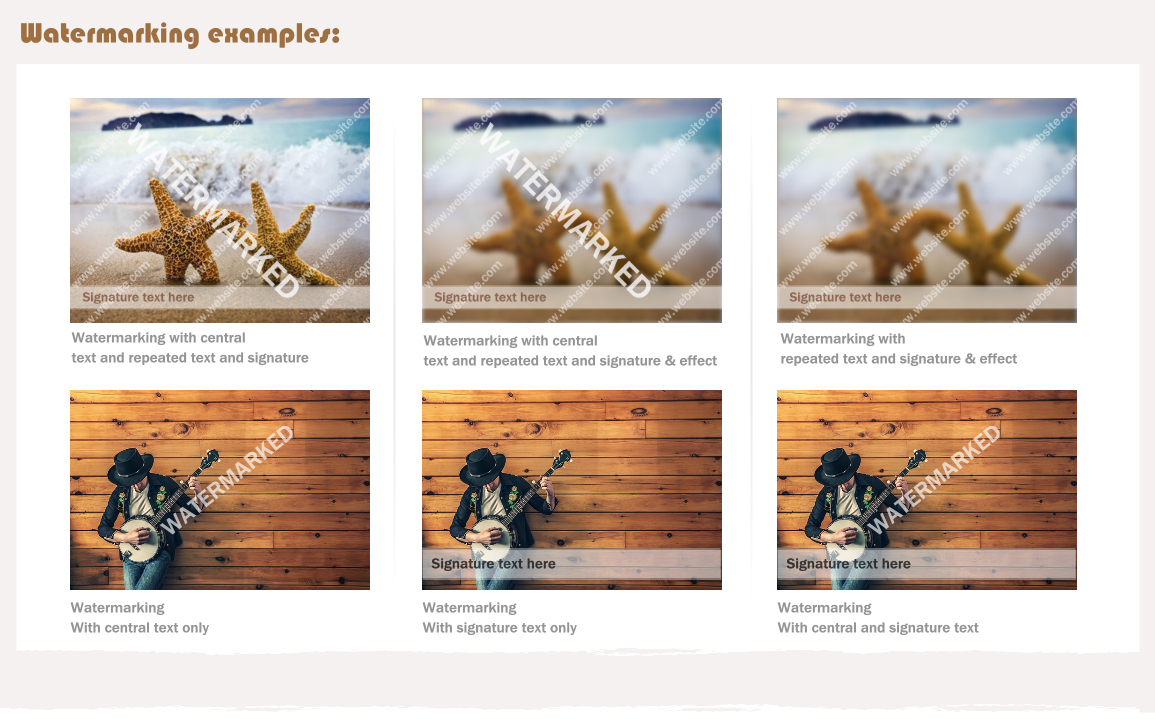
Intelligent protection tactics:
The plugin will keep your posts and home page protected with multiple techniques (JavaScript + CSS), These techniques are not found in any other WordPress plugin and you will own it for free with this plugin.
Protect the page from view source code and being shown by anyone.
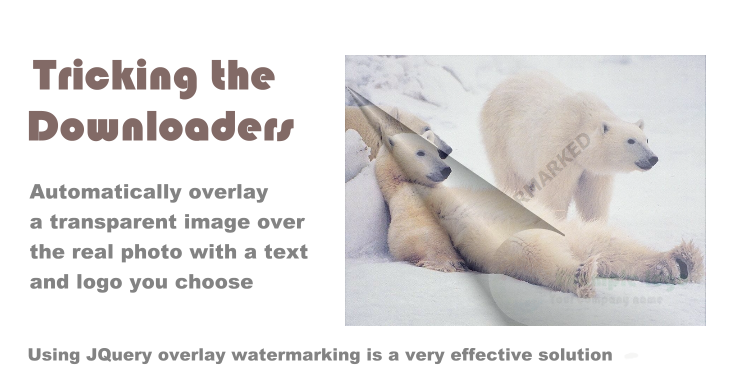
Some webmasters want to protect their images only and others want to protect their links only.
You may want to protect everything on the page except the links or images.
With the premium options provided, you can have as much of the best and custom protection on your blog as you like.
Right-click protection will do this job for you.
You can control the messages that appear to the visitors when some of them try to view the source of your pages or save your copyrighted images.
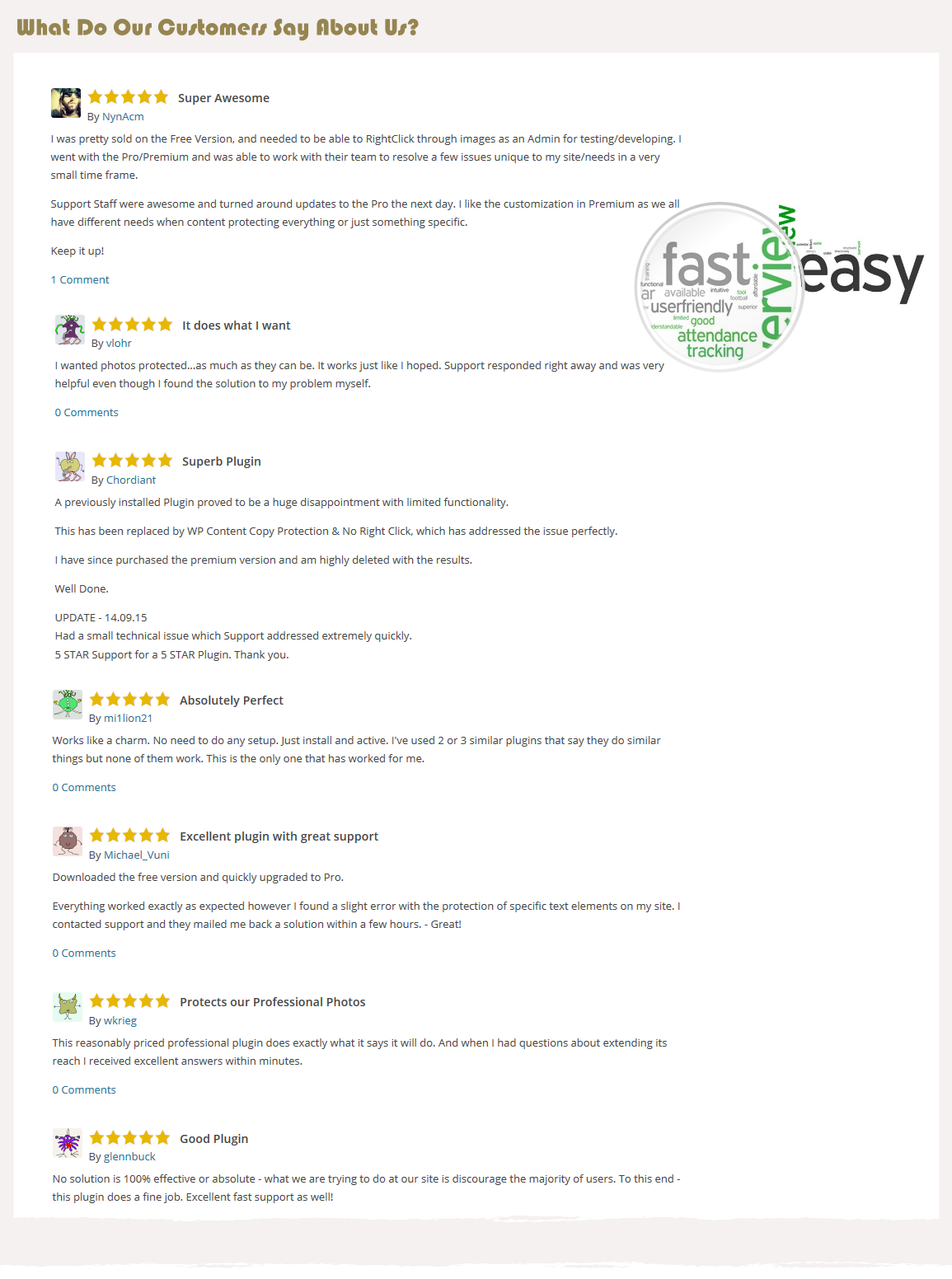
Check more hundreds of reviews on wordpress.org global forum (https://wordpress.org/support/plugin/wp-content-copy-protector/reviews/)
Once upon a time, in a world filled with relentless creativity and boundless inspiration, a talented author named Emily faced a heart-wrenching challenge. Her brilliant stories, crafted with love and dedication, were shamelessly stolen by unscrupulous content thieves. Determined to safeguard her artistic brilliance, she embarked on a quest for a powerful shield—enter the extraordinary solution known as “WP Content Copy Protection & No Right Click (PRO)”
With cautious hope in her heart, Emily embraced the transformative power of Copy Protection on her cherished website. The results were nothing short of extraordinary. Her cherished works were safeguarded from the clutches of plagiarism, her creative spirit no longer tainted by the fear of theft. The weight of worry lifted, allowing Emily to unleash her creativity like never before.
News of Emily’s triumph quickly echoed throughout the creative realm, captivating artists, musicians, and entrepreneurs alike. They eagerly joined the movement, fortifying their own digital kingdoms with Copy Protection. Their masterpieces flourished, safe from unscrupulous hands, while they basked in the glory of their untainted creativity.
With this great tool. Creators no longer hesitated to share their genius, knowing their invaluable work would be fiercely guarded. The joy of creation blossomed, inspiring a wave of innovation
Today, dear reader, you too stand at the precipice of this remarkable journey. With Copy Protection as your ally, your artistic vision can flourish, unburdened by the relentless shadow of theft. Embrace the transformative power of protection, and unlock the true potential of your creativity. The world awaits your masterpieces—let them shine, untarnished and invincible.
Protect the page from view source code and being shown by anyone.
Some webmasters want to protect their images only and others want to protect their links only.
You may want to protect everything on the page except the links or images.
With the premium options provided, you can have as much of the best and custom protection on your blog as you like.
Right-click protection will do this job for you.
You can control the messages that appear to the visitors when some of them try to view the source of your pages or save your copyrighted images.
Check more hundreds of reviews on wordpress.org global forum (https://wordpress.org/support/plugin/wp-content-copy-protector/reviews/)
Once upon a time, in a world filled with relentless creativity and boundless inspiration, a talented author named Emily faced a heart-wrenching challenge. Her brilliant stories, crafted with love and dedication, were shamelessly stolen by unscrupulous content thieves. Determined to safeguard her artistic brilliance, she embarked on a quest for a powerful shield—enter the extraordinary solution known as “WP Content Copy Protection & No Right Click (PRO)”
With cautious hope in her heart, Emily embraced the transformative power of Copy Protection on her cherished website. The results were nothing short of extraordinary. Her cherished works were safeguarded from the clutches of plagiarism, her creative spirit no longer tainted by the fear of theft. The weight of worry lifted, allowing Emily to unleash her creativity like never before.
News of Emily’s triumph quickly echoed throughout the creative realm, captivating artists, musicians, and entrepreneurs alike. They eagerly joined the movement, fortifying their own digital kingdoms with Copy Protection. Their masterpieces flourished, safe from unscrupulous hands, while they basked in the glory of their untainted creativity.
With this great tool. Creators no longer hesitated to share their genius, knowing their invaluable work would be fiercely guarded. The joy of creation blossomed, inspiring a wave of innovation
Today, dear reader, you too stand at the precipice of this remarkable journey. With Copy Protection as your ally, your artistic vision can flourish, unburdened by the relentless shadow of theft. Embrace the transformative power of protection, and unlock the true potential of your creativity. The world awaits your masterpieces—let them shine, untarnished and invincible.
Say Goodbye to Content Thieves
Say hello to wp-content copy protection: The most flexible content protection wordpress plugin built to maximize your website protection to the most possible point
Seamless Experience for Admin Users
Disable copy protection for admin users, ensuring a seamless experience for website management. Grant administrators unrestricted access while maintaining content security for regular users.


Image Protection Measures
Prevent users from right-clicking and saving images from your website. Preserve the integrity of your visual assets and prevent unauthorized downloads.
You must reply in thread to view hidden text or upgrade your account to always see hidden content.


